Wiki
RevivalSide includes a built-in wiki that provides searchable information for units, gear, items, skins, contracts, and other in-game IDs.
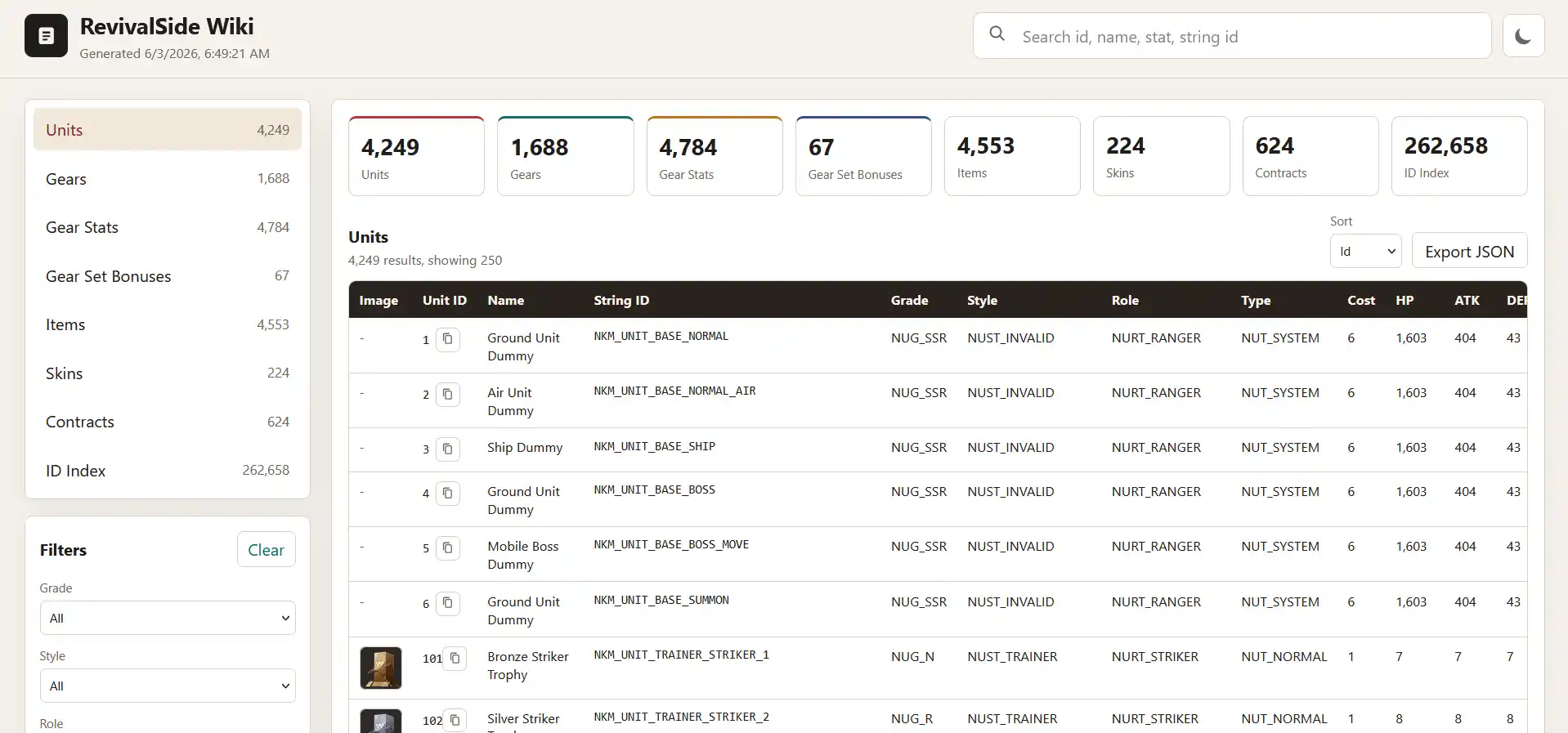
There are two ways to access the wiki:
- On the Web (Recommended) - runs on a public web server.
- Offline Wiki - runs a local web server and requires more storage.
Offline Wiki
If you want to use the wiki offline, you can build it using the RevivalSide launcher. This is useful if you want to use the wiki without an internet connection or have custom content, but isn't recommended for most users.
Starting the Wiki
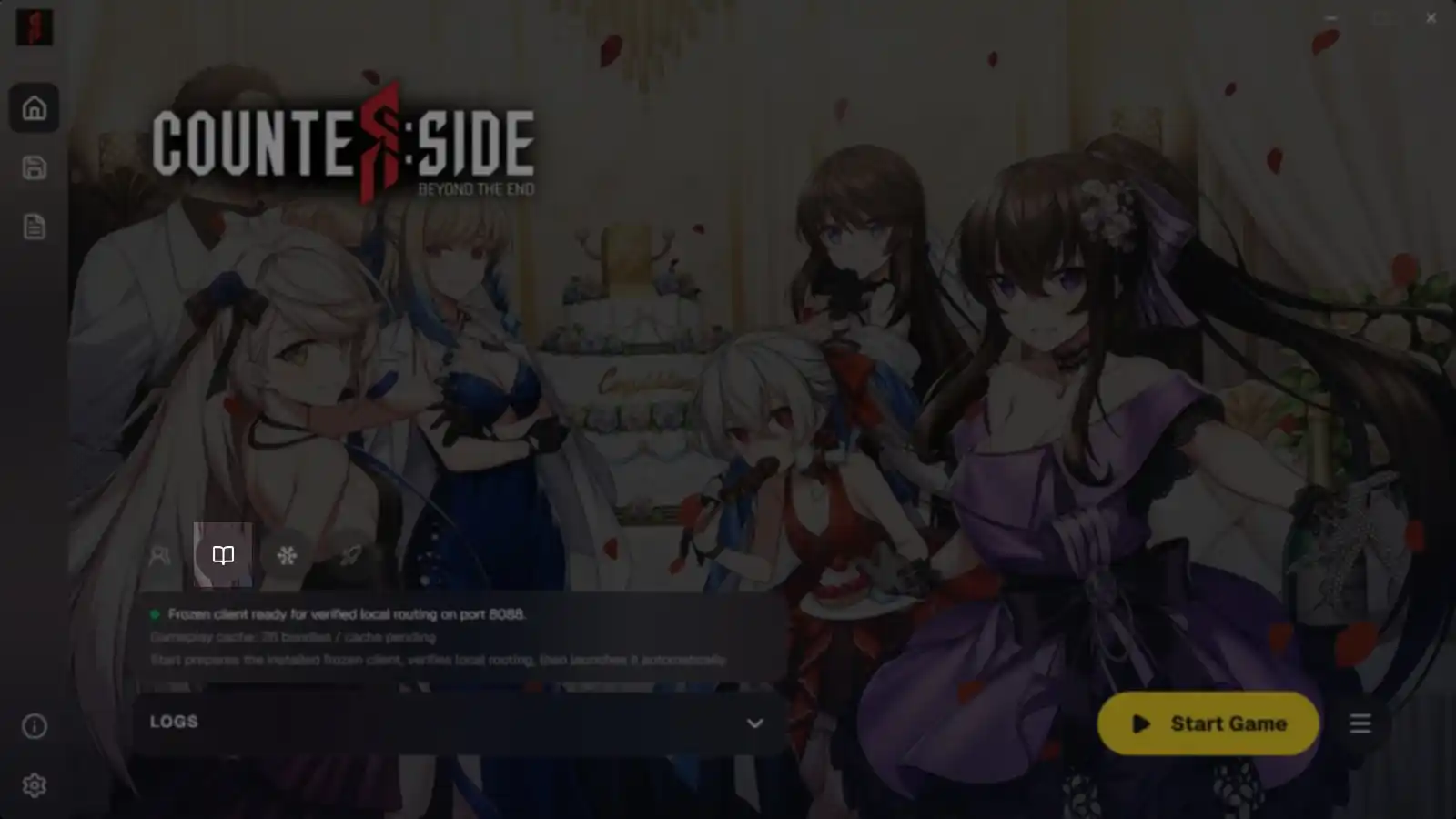
Press the "Wiki" button on the "Home" page and wait for the assets to extract. Once the assets are extracted, the wiki will open in your default web browser.
This will take a few minutes, so please be patient.
Stopping the Wiki
RevivalSide by default minimizes to the system tray if the server is running.
If you want to stop the wiki, you have to fully close the RevivalSide launcher which can be done by right-clicking the system tray icon and clicking "Exit".