Windows
Starting and Connecting
The following guides assume you have followed the installation guide. Navigate to the "Home" tab in the launcher to find the options for starting and stopping the server.
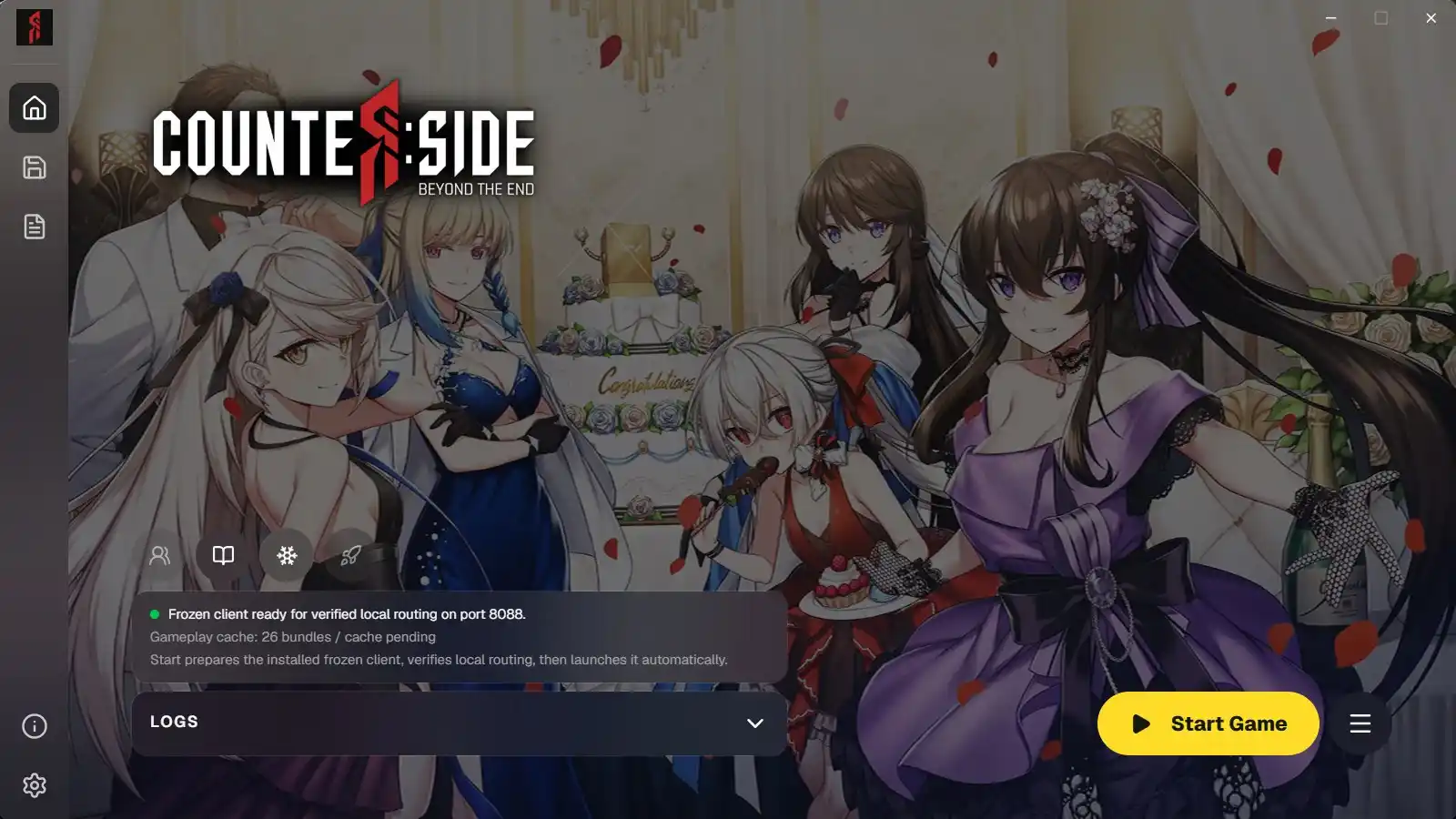
Starting the server
Click the "Start Game" button on the bottom right to start the server. This will start the RevivalSide server and open the frozen CounterSide client.
When starting for the first time, it may take several minutes to extract and set up the necessary files.
Stopping the server
To stop the server, simply click on the "Stop Server" button.