Windows
Saving Account Data
Before you can save your account data, you will need to import it from the official servers. If you haven't done that yet, please follow the instructions here.
There are two ways to save your account data:
Exports Folder (Recommended)
The recommended way to save your account data is to use the exports folder. This folder is located in the RevivalSide installation directory and contains a copy of your account data. If you haven't changed the installation directory, the default location is:
%localappdata%\RevivalSide\exports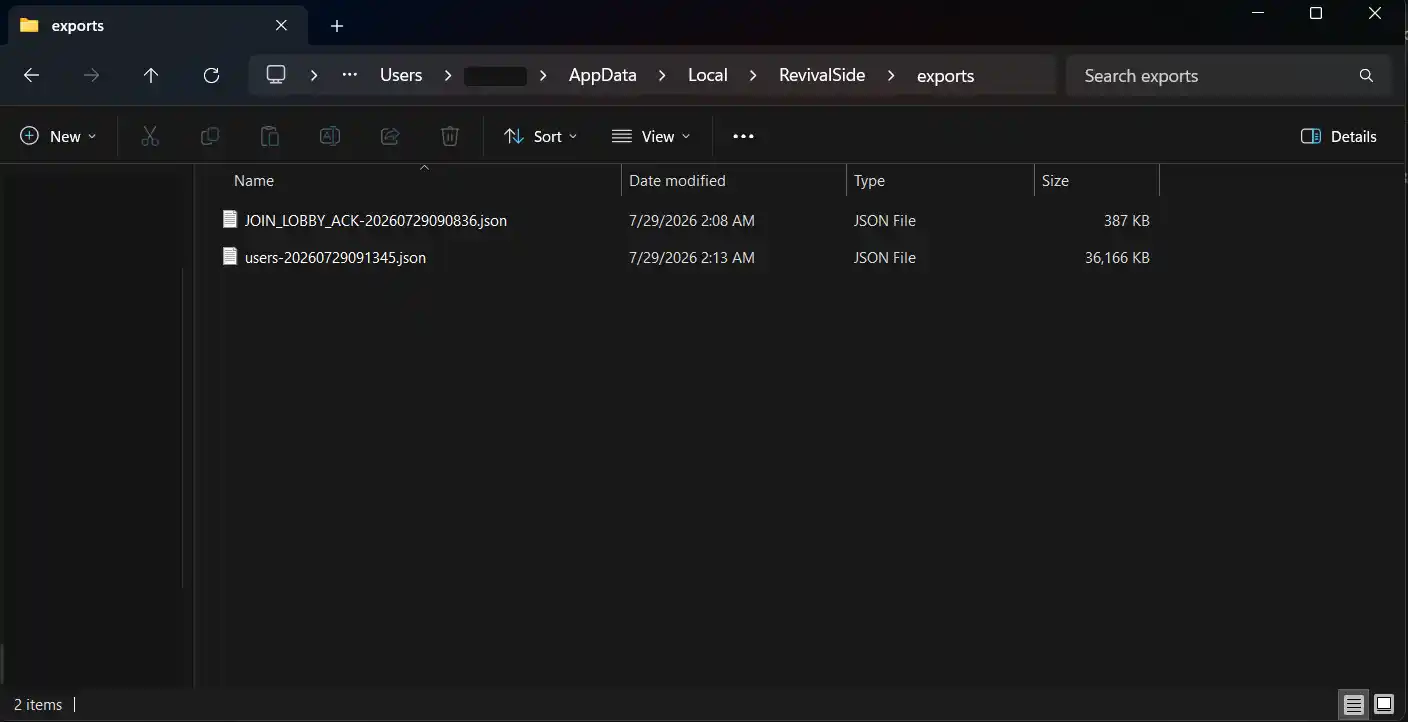
User Manager
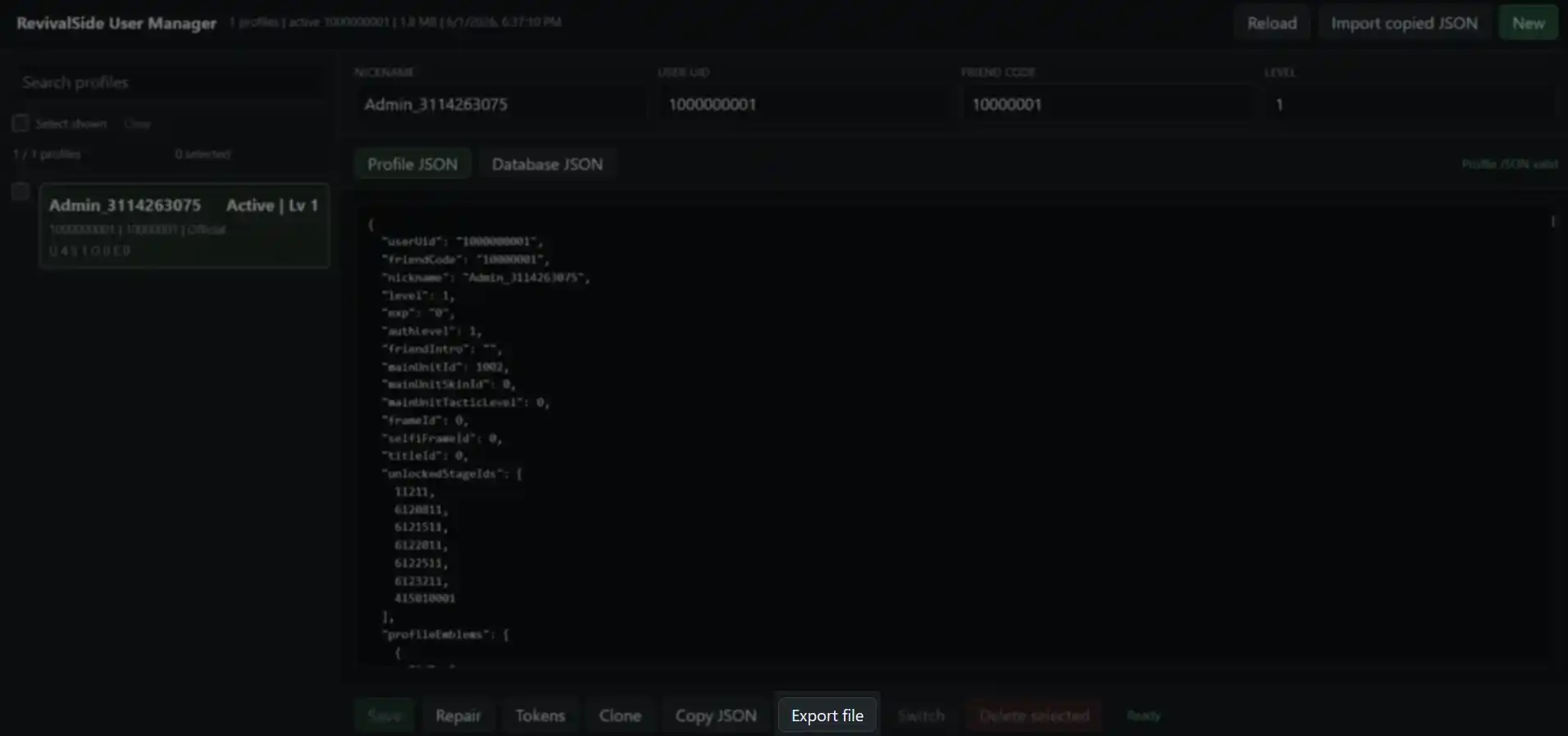
On the User Manager page, you will see a list of accounts. Select the account you want to save and click on the "Export file" button on the bottom.