Installation
Ensure you have the Manage Server permission on the server where you want to install the bot.
Invite the Bot
Click here to invite the bot to your server.
Linking Your GitHub Account
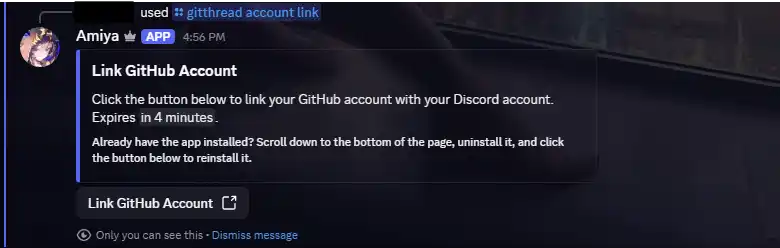
Before you can use Amiya, you need to link your GitHub account. To do this, use the /gitthread account link command. Click on the link provided and follow the instructions to authorize Amiya to access your GitHub account.
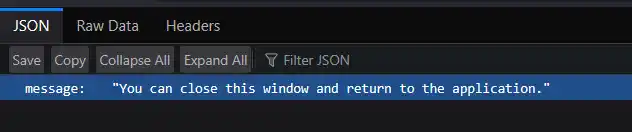
After installing the GitHub app, you will be redirected to a different page. If you see a message along the lines of "You can close this window and return to the application," you can safely close the page and return to Discord.
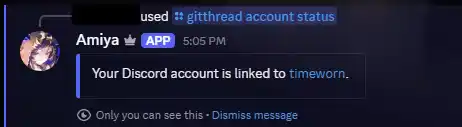
After linking your account, you can use the /gitthread account status command to verify that your GitHub account is
properly connected to Amiya.